


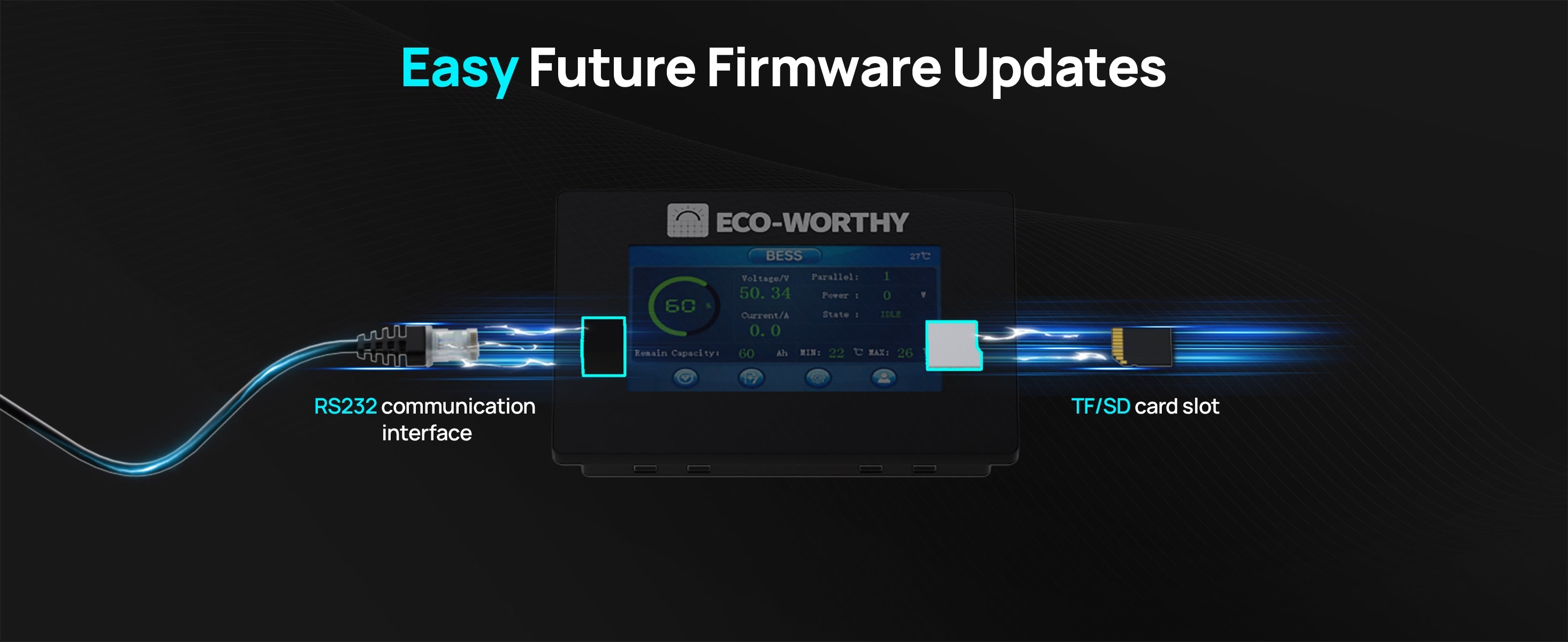
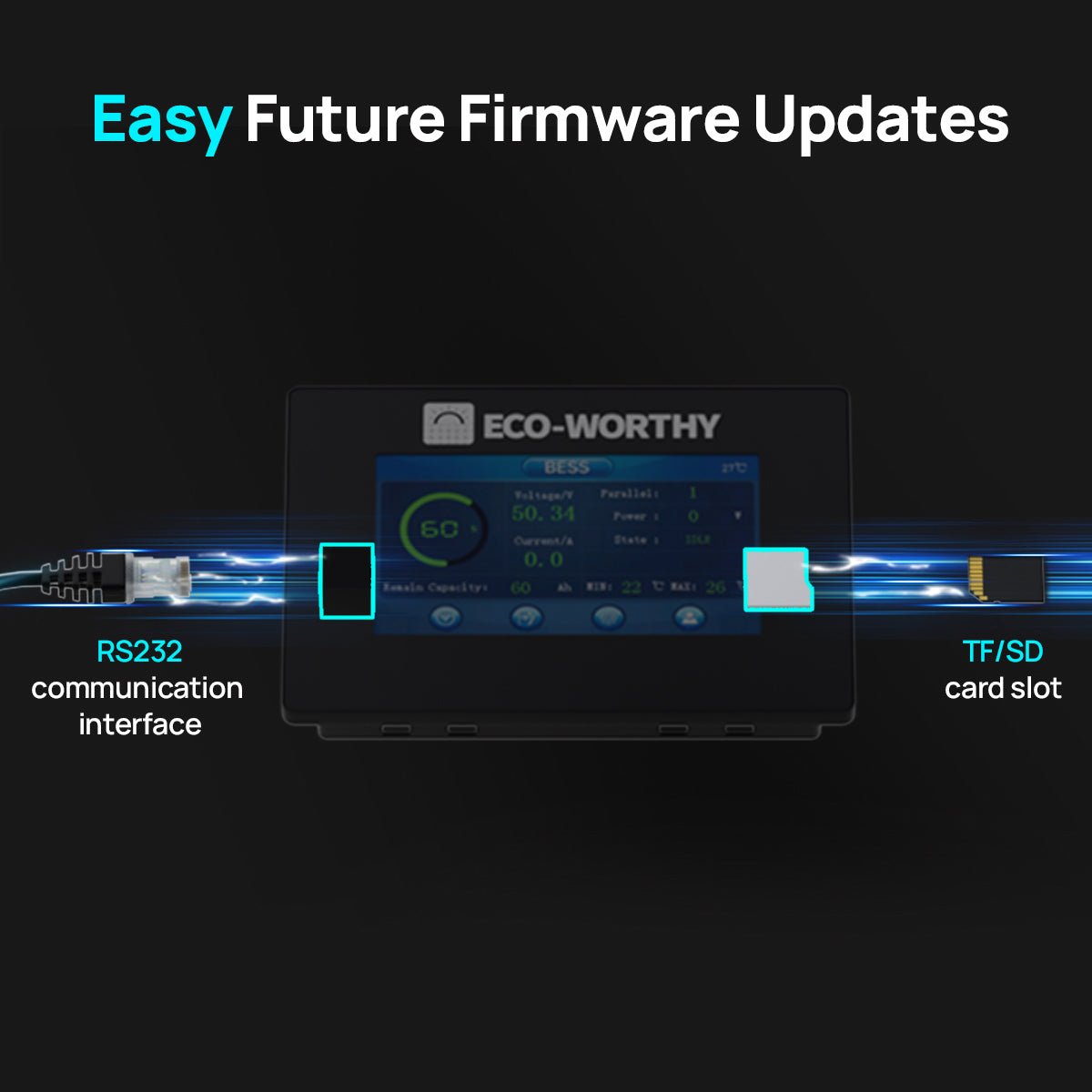
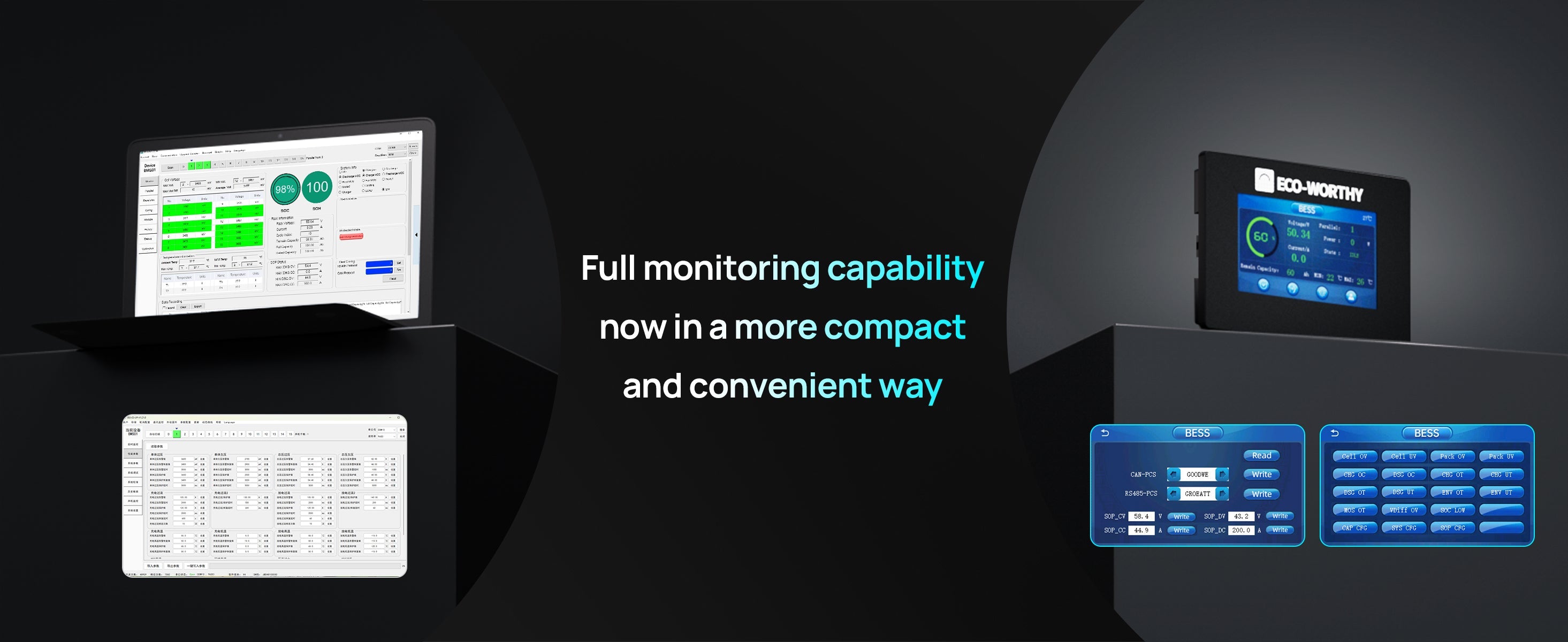
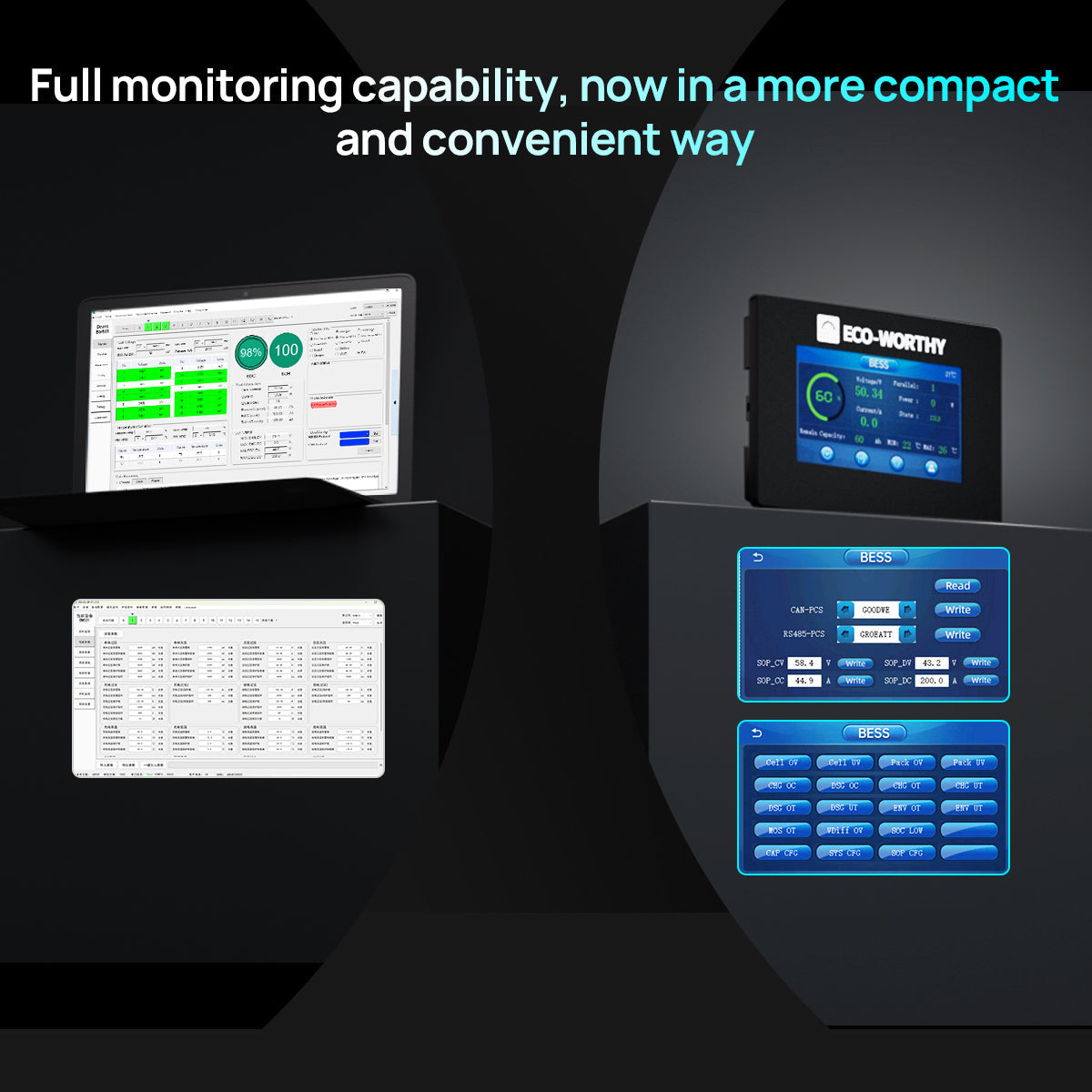
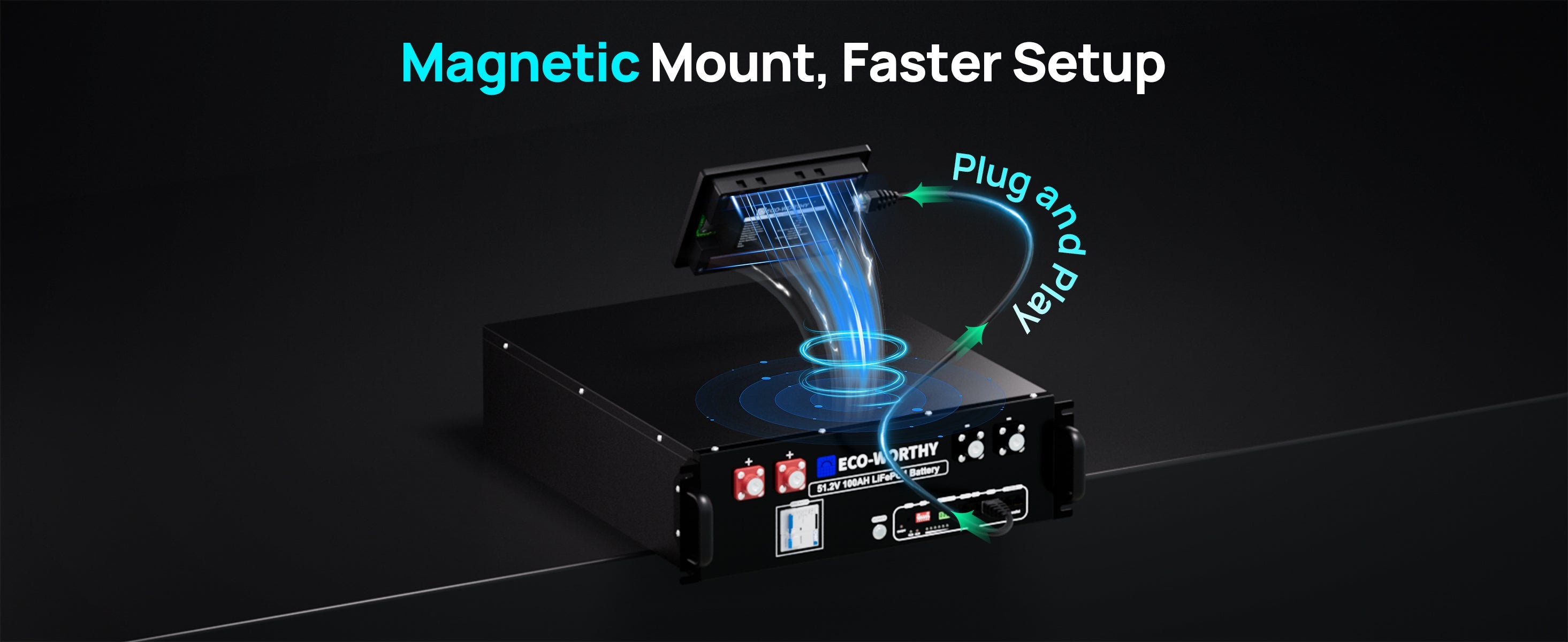
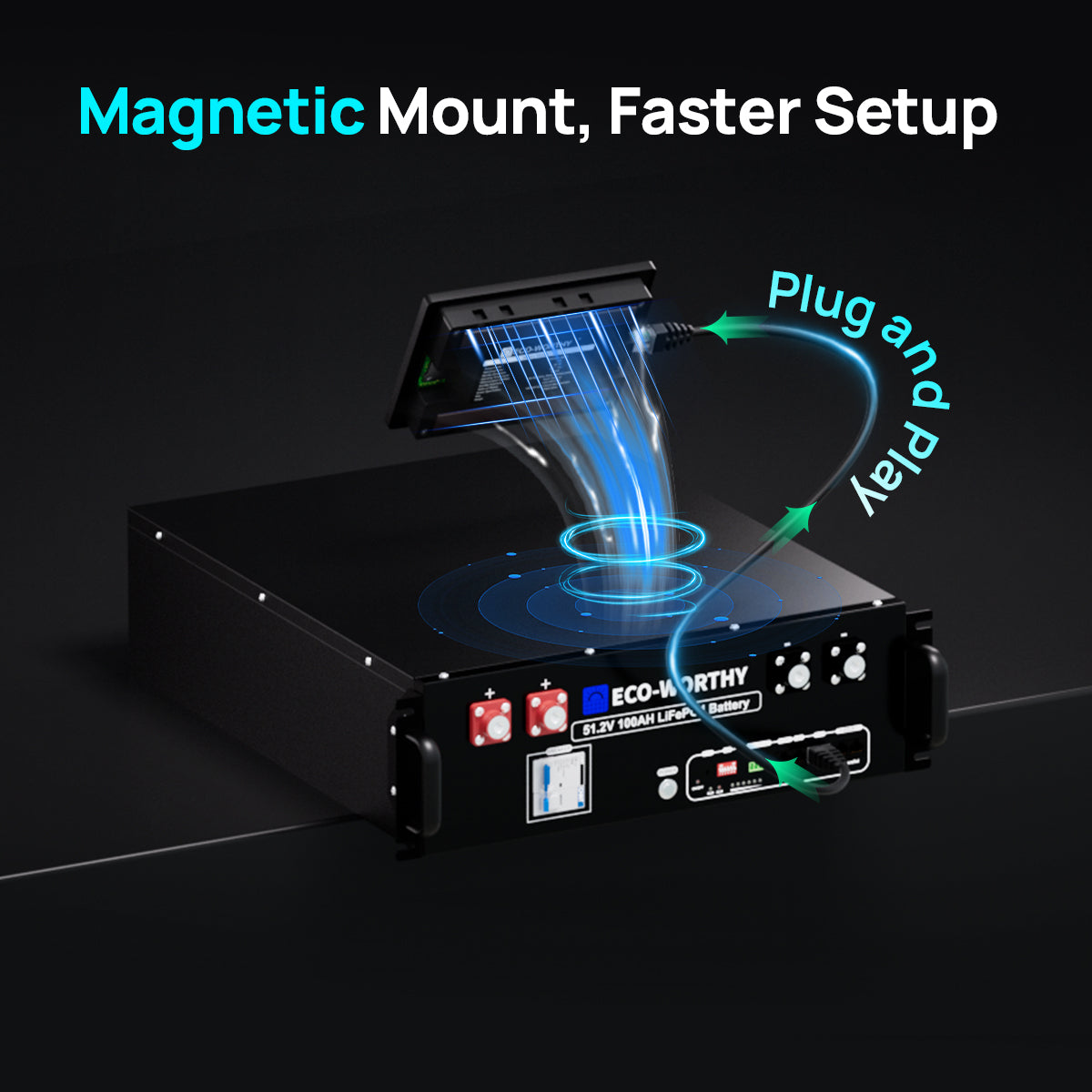
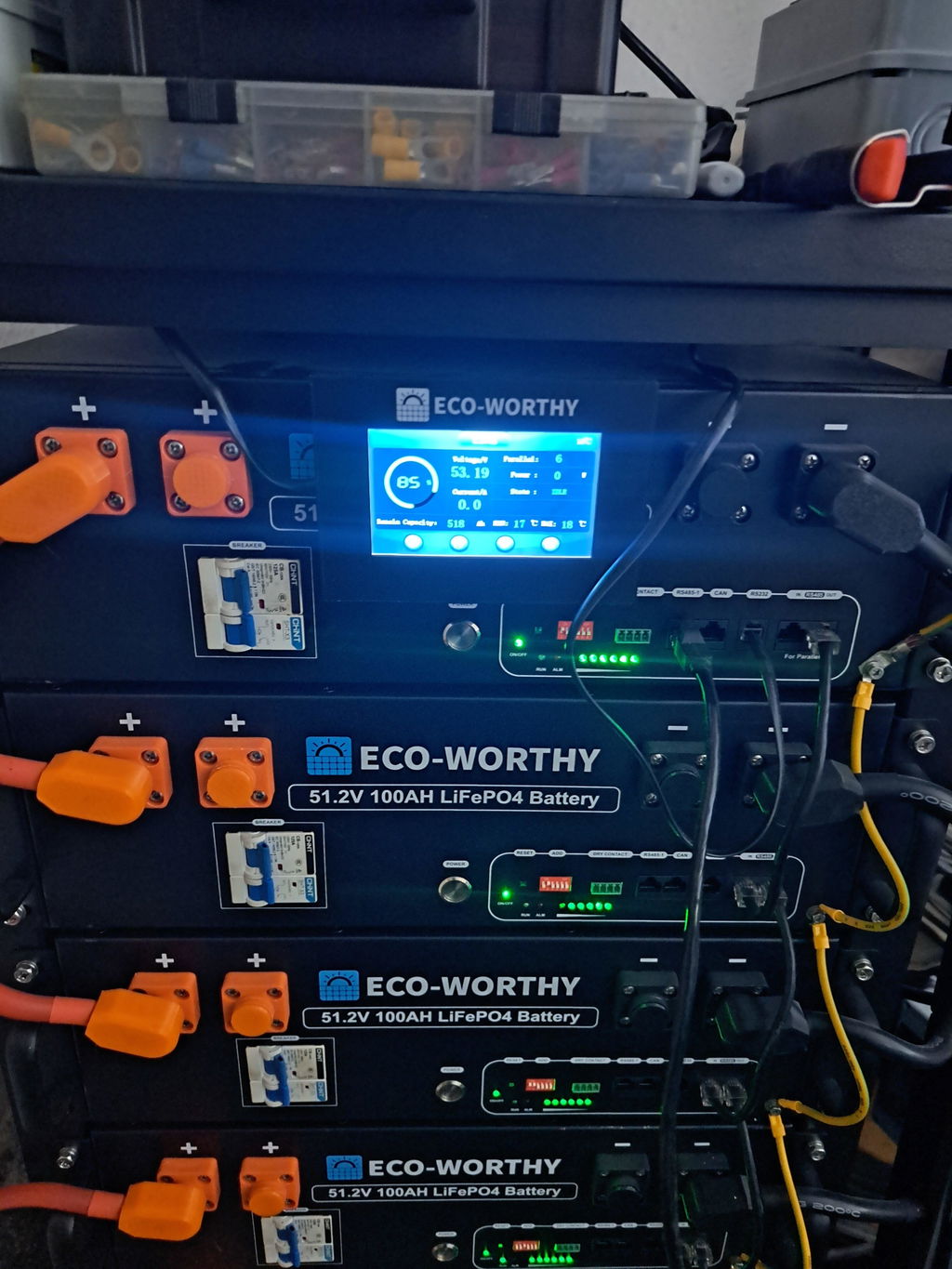
Purpose-built for a 48V/51.2V 100Ah server rack battery, this ECO-WORTHY touchscreen monitor offers plug-and-play installation, smart magnetic mounting, and instant real-time data. User-friendly, multi-language, and easily upgradeable via SD card—it’s the perfect assistant for effortless battery management.
🎃Halloween Energy Sale
ECO-WORTHY ESM100 Battery Monitor for Cubix Series and Wall-Mounted Batteries
ECO-WORTHY ESM100 Battery Monitor for Cubix Series and Wall-Mounted Batteries
Regular price
£69.99
Sale price
£69.99
Regular price
£89.99
Unit price
per
Taxes included.
Shipping calculated at checkout.
SKU:
SKU:UK-L03SR4800WJXSP-1
Read more
Total price
£69.99
Couldn't load pickup availability

Free Shipping

Return Guarantee

Secure Payment
or 4 interest-free payments of £17.49 with
Installments available at checkoutShop with Confidence at Eco-Worthy

Free & Fast Delivery

14-Day Money-Back Guarantee

Up To 10-Year Warranty

Lifetime Customer Support
Pay with ease
Trusted delivery


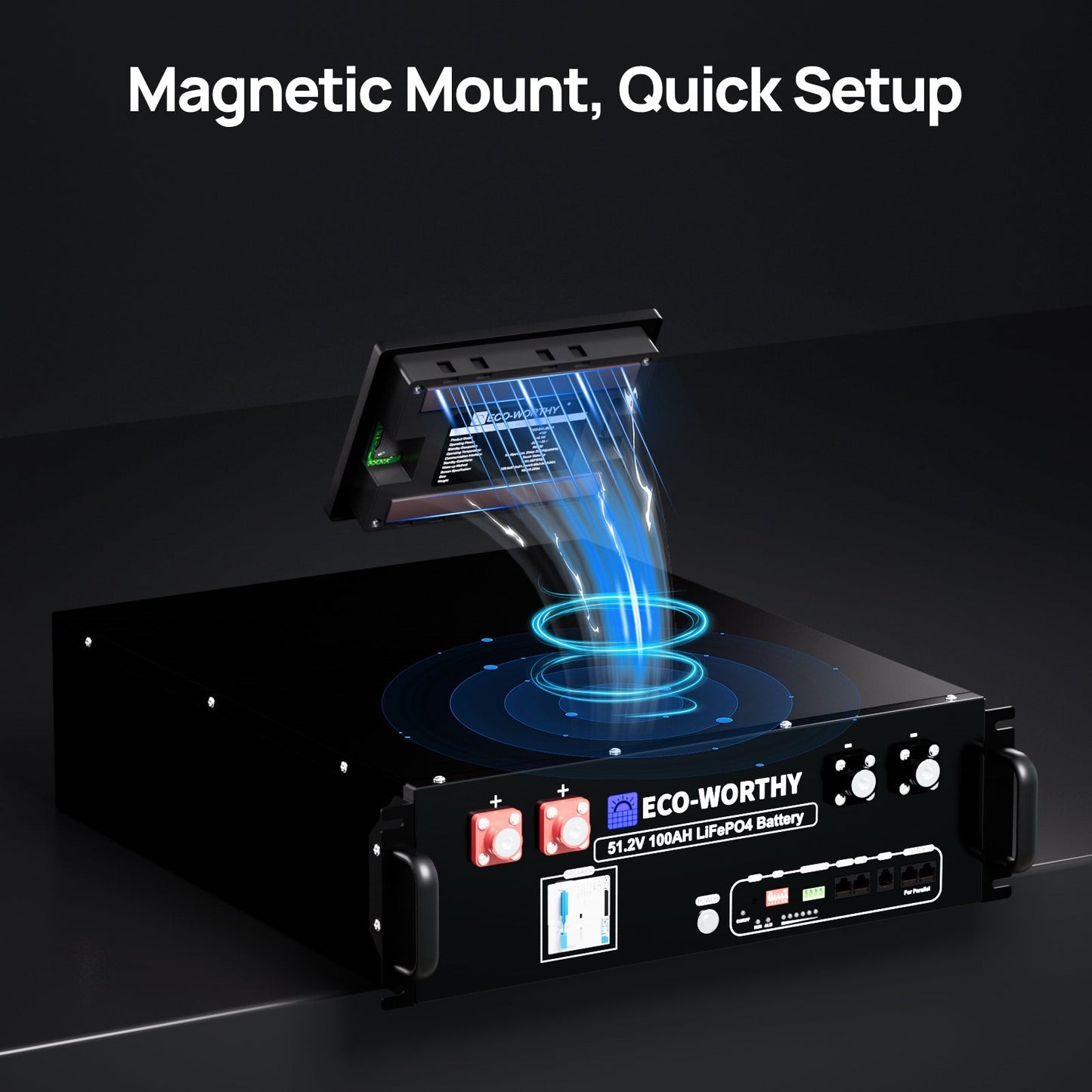
ESM100 Battery Monitor for Cubix Series and Wall-Mount Batteries
Technical Specifications
ESM100 Battery Monitor
Product Model
ECO-BM-JBd01
Operating Power
<1W
Operating Temperature
-20℃-75℃
Standby Dissipation
<0.1W
Communication Interface
RS232
Standby Conditions
No Operation, Delay 30S(Adjustable)
Wake-up Method
Touch Wake-up
ScreenSpecification
4.3in,480'272p
Size
139.5x97.5x21.3mm/5.49x3.84x0.84in
Weight
150g/0.33lbs



Included in the Box

Frequently Asked Questions
How do you test lithium battery performance?
+
When measuring the battery's rated voltage, it is recommended to first disconnect the connection wires between the battery and the load, inverter, and charger to ensure accurate results.
What’s the relationship between lithium battery voltage and SOC?
+
①During battery use, it is recommended to keep the SOC at 20%~80% to extend the battery life (charge to at least 13.3V) ②If the battery is not used for a long time (more than half a year), at least 50% of the power should be guaranteed, otherwise the battery may be over-discharged and damaged. ③After fully charged, if the battery voltage is greater than or equal to 13.3V after one hour without any connections, it is within the normal range. ④This table is only the test result under ideal conditions. After adjusting to the correct parameters, the voltage drops to 13.26V, which does not prove that the battery capacity is insufficient. The actual capacity needs to test the power of the connected load and the length of use.
How to activate a protected lithium battery?
+
A:Take 12.8V battery as an example, when the voltage drops to 0~2V, the battery BMS may enter protection state, and the battery needs to be reactivated. Method 1: Use an AC-DC LiFePO4 Lithium charger with activation function, set the charging voltage to 14.6V for charging. After 30~60 minutes, use a multimeter to measure the voltage. If the voltage changes, continue to charge. Method 2: Use a solar panel and controller with activation function. In an environment with good lighting conditions, connect the solar panel, controller, and battery, and set the charging voltage to 14.6V for charging. After 30~60 minutes, remove the battery connection wire, use a multimeter to measure the voltage. If the voltage changes, continue to charge.
Solar Panel Performance Testing Method
+
Disconnect all wires from the solar panel. Use a multimeter to measure both short-circuit current (Isc) and open-circuit voltage (Voc) under sunny outdoor conditions.Note: Performance may vary due to controller temperature and battery charge level.
What kind of warranty and support do you offer?
+
We provide up to a 10-year warranty on key battery models, along with U.S.-based support. Our team assists with installation guidance, troubleshooting, and system planning to ensure a smooth experience.