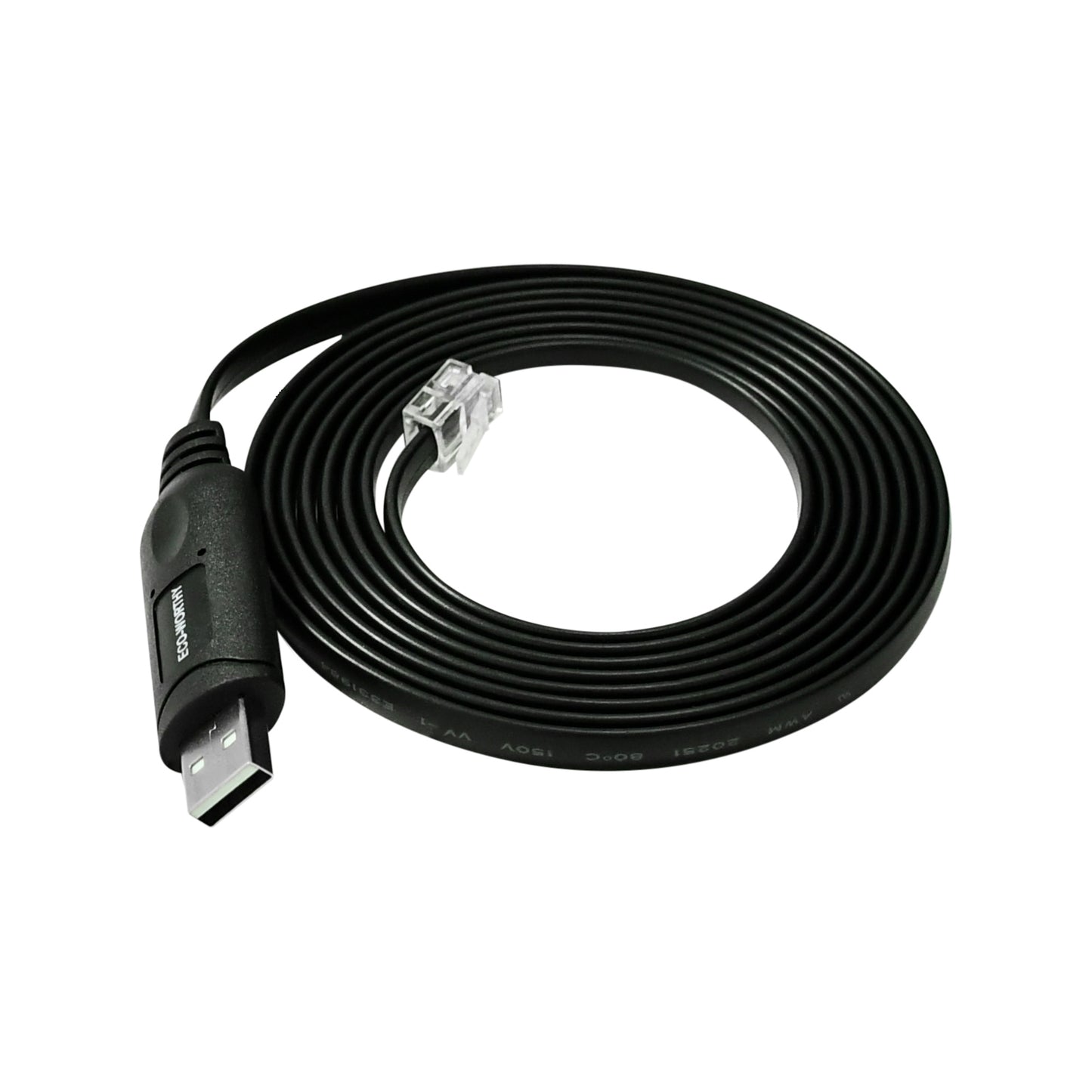
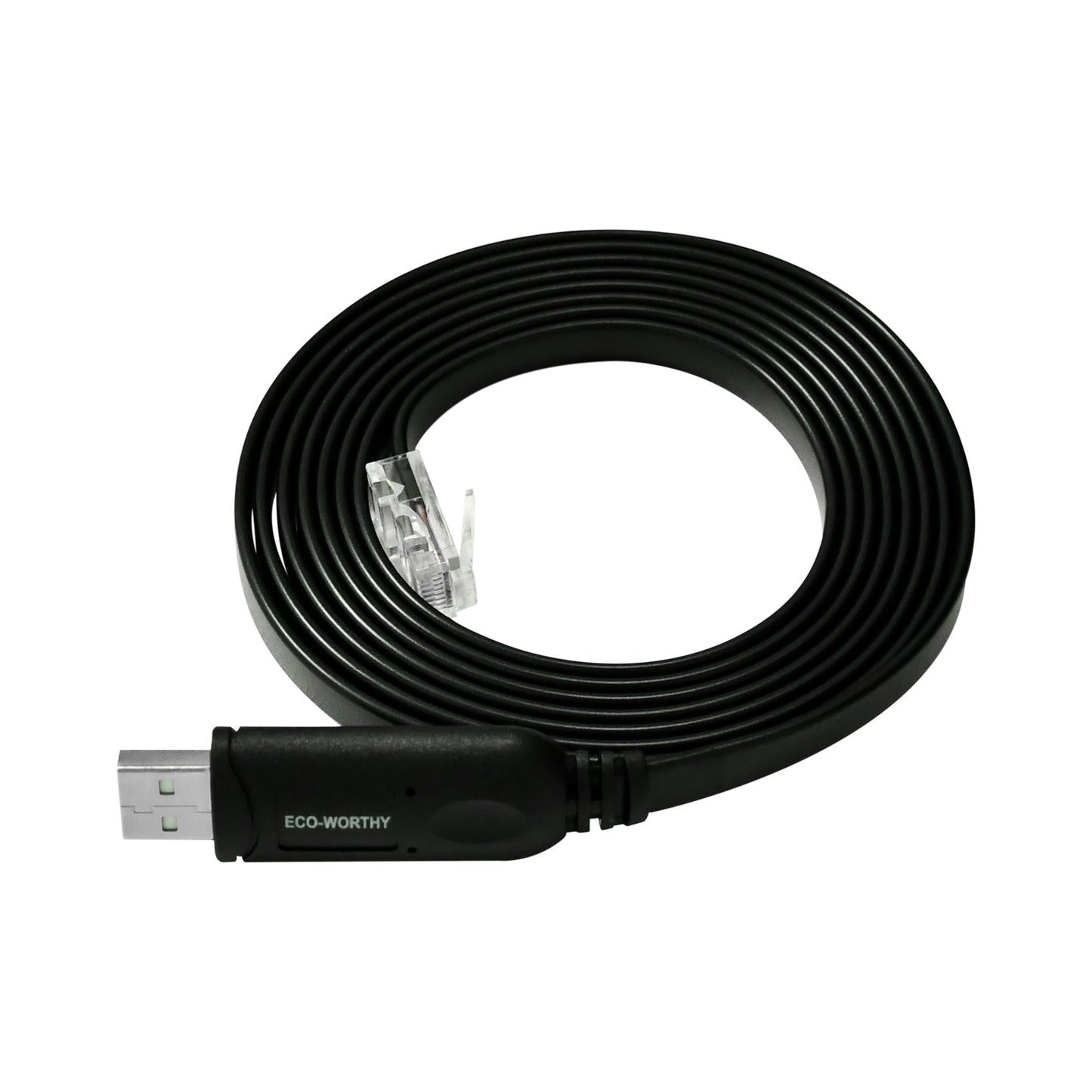
Home Solar System Accessories Eco-Worthy RS232/RS485 to USB Adapt Cable for Server Rack Battery & PC Communication
Skip to product information
💎Prime Day Sale

Eco-Worthy RS232/RS485 to USB Adapt Cable for Server Rack Battery & PC Communication

Eco-Worthy RS232/RS485 to USB Adapt Cable for Server Rack Battery & PC Communication

Regular price £15.99
Sale price £15.99 Regular price £35.99
Sale Sold out
Taxes included. Shipping calculated at checkout.

SKU:

SKU:L03SWJTXXRS232-1

The RS232 to USB cable is primarily used to connect devices with an RS232 interface to those with a USB interface (for example, a 51.2V 100AH Lithium Iron Phosphate (LiFePO4) battery 3U) to enable communication and data transfer. It can convert signal levels and communication protocols, allowing these two different types of interfaces to be compatible. For example, it can be used to connect a computer to a 51.2V 100AH Lithium Iron Phosphate (LiFePO4) battery 3U for communication and reading battery data.


The RS485 to USB communication cable is a device for interface conversion. It can convert data from the RS485 protocol to the USB protocol, and vice versa. In this way, a computer can communicate with devices that support the RS485 protocol, such as a 51.2V 100AH Lithium Iron Phosphate (LiFePO4) battery 3U, via the USB interface. This allows for operations like connecting to a host computer or SolarAssistant, reading battery data, and updating battery firmware.

Read more
Battery Communication Cable

Total price

£15.99
Buy It Now

Free Shipping

Return Guarantee

Secure Payment

or 4 interest-free payments of £3.99 with

Installments available at checkout
Shop with Confidence at Eco-Worthy

Free & Fast Delivery

14-Day Money-Back Guarantee

Up To 10-Year Warranty

Lifetime Customer Support

Pay with ease

  • American Express
  • JCB
  • Mastercard
  • PayPal
  • Venmo
  • Visa

Trusted delivery

View full details
X
£15.99 £35.99
Buy It Now
Function Description

This RS23/RS485 to USB cable provides a communication link between ECO-WORTHY server rack batteries and a PC or Solar Assistant. By using this cable with the corresponding PC software, users can monitor battery management system (BMS) data, such as voltage, current, temperature, and state of charge.

The RS232 to USB cable is primarily used to connect devices with an RS232 interface to those with a USB interface (for example, a 51.2V 100AH Lithium Iron Phosphate (LiFePO4) battery 3U) to enable communication and data transfer. It can convert signal levels and communication protocols, allowing these two different types of interfaces to be compatible. For example, it can be used to connect a computer to a 51.2V 100AH Lithium Iron Phosphate (LiFePO4) battery 3U for communication and reading battery data.

Information on Security Testing

  • 100% Electrical Test: open, short & miswire test
  • Conductor Resistance: 20Ω, Insulator Resistance: 10MΩ
  • High Voltage: DC 300V 0.01sec

Must be RoHS compliant

Technical Specifications

RS232 to USB
RS232 Pin Description
RS485 to USB
RS485 Pin Description

Chip

FTDI-FT232R

Cable Spec

UL20251 28AWG (7/0.12BC) 6C, PVC jacket, black

Outer Diameter

2.5mm × 7.0mm ± 0.2mm

Length

2000mm ± 10mm

USB Connector

FTDI-FT232R + SP213 PCB, USB A male connector, white

RS232 Connector

RJ12 6P6C male

RS232

1, 2, 6 = NC, 4 = TXD, 3 = RXD, 5 = GND

USB

1 = VCC, 2 = D+ , 3 = D-, 4 = GND

Chip

FTDI-FT232R

Cable Spec

28AWG (7/0.12BC) 8C, PVC jacket, black

Outer Diameter

2.5mm × 8.5mm ± 0.2mm

Length

2000mm ± 10mm

USB Connector

FTDI-FT232R + SP485 PCB, USB A male connector, white

RS485 Connector

RJ45 8P8C male

RS485

2, 7 = A+; 1, 8 = B-; 4, 5 = NC; 3, 6 = GND

USB

1 = VCC; 2 = D+; 3 = D-; 4 = GND

Included in the Box
  1. 1 x RS232 TO USB
  2. 1 x RS485 TO USB

Frequently Asked Questions

How do you test lithium battery performance?

+
When measuring the battery's rated voltage, it is recommended to first disconnect the connection wires between the battery and the load, inverter, and charger to ensure accurate results.

What’s the relationship between lithium battery voltage and SOC?

+
①During battery use, it is recommended to keep the SOC at 20%~80% to extend the battery life (charge to at least 13.3V) ②If the battery is not used for a long time (more than half a year), at least 50% of the power should be guaranteed, otherwise the battery may be over-discharged and damaged. ③After fully charged, if the battery voltage is greater than or equal to 13.3V after one hour without any connections, it is within the normal range. ④This table is only the test result under ideal conditions. After adjusting to the correct parameters, the voltage drops to 13.26V, which does not prove that the battery capacity is insufficient. The actual capacity needs to test the power of the connected load and the length of use.

How to activate a protected lithium battery?

+
A:Take 12.8V battery as an example, when the voltage drops to 0~2V, the battery BMS may enter protection state, and the battery needs to be reactivated. Method 1: Use an AC-DC LiFePO4 Lithium charger with activation function, set the charging voltage to 14.6V for charging. After 30~60 minutes, use a multimeter to measure the voltage. If the voltage changes, continue to charge. Method 2: Use a solar panel and controller with activation function. In an environment with good lighting conditions, connect the solar panel, controller, and battery, and set the charging voltage to 14.6V for charging. After 30~60 minutes, remove the battery connection wire, use a multimeter to measure the voltage. If the voltage changes, continue to charge.

Solar Panel Performance Testing Method

+
Disconnect all wires from the solar panel. Use a multimeter to measure both short-circuit current (Isc) and open-circuit voltage (Voc) under sunny outdoor conditions.Note: Performance may vary due to controller temperature and battery charge level.

What kind of warranty and support do you offer?

+
We provide up to a 10-year warranty on key battery models, along with U.S.-based support. Our team assists with installation guidance, troubleshooting, and system planning to ensure a smooth experience.